 bakable
AI 3D scene generator for Roblox & games.
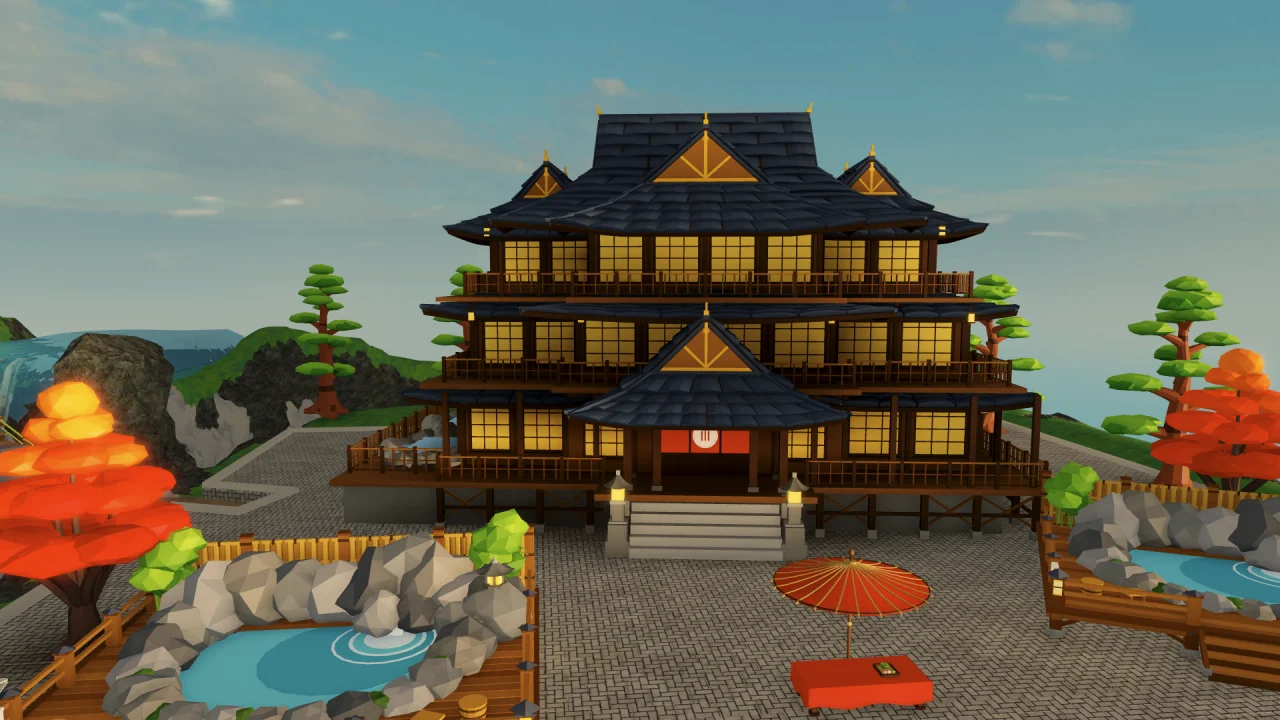
Describe a space and how players move through it. Bakable builds a 3D scene with structures, rooms, and props you can inspect and revise in Roblox Studio or download as GLB.
Roblox Studio & GLB
Build directly inside Roblox Studio on desktop, or export glTF 2.0 (.glb) via Diorama (15 cr) and Interior (20 cr) API modes.
Dioramas & interiors
Generate outdoor courtyards, roadside set pieces, or furnished room-by-room interiors from one prompt.
Revise by chat
Refine paths, swap props, or change lighting in follow-up prompts inside your open Roblox place.
Try this prompt.
Build a hillside hot spring scene. Put the bathhouse above the pool, add a stone path to the entrance, and frame the pool with rocks and bamboo. Leave a clear route from the entrance to the water.
- 01
Describe the space
Name the focal point, entrances, and surrounding props. Include how the scene connects to the rest of your map.
- 02
Walk it in Studio
Check doorways, steps, and sightlines at avatar height. Move or resize anything that blocks the route.
- 03
Revise the layout
Ask Bakable to widen the entrance path, adjust lighting, or move props. Test the change in the same place.
Common questions.
What types of 3D scenes can Bakable generate?
Bakable generates self-contained dioramas (campsites, courtyards, shrines, set pieces) and furnished interiors (shops, taverns, cabins, rooms) sized for game cameras and Roblox avatars.
Can I edit a generated scene inside Roblox Studio?
Yes. When connected to Roblox Studio on Windows or macOS, Bakable places editable models in your place so you can move parts manually or ask Bakable in chat to revise the scene.
Can I export a 3D scene for engines outside Roblox?
Yes. Bakable Studio on the web and the World API (POST /v1/text-to-3d with mode "diorama" or "interior") output standard glTF 2.0 binary (.glb) files compatible with Blender, Godot, Unity, Unreal, and Three.js.